


AI Prompts Organizer
- Regular price
-
$17.00 - Regular price
-
- Sale price
-
$17.00
Couldn't load pickup availability
Slash hours from content creation by finally organizing your AI prompts like a pro.
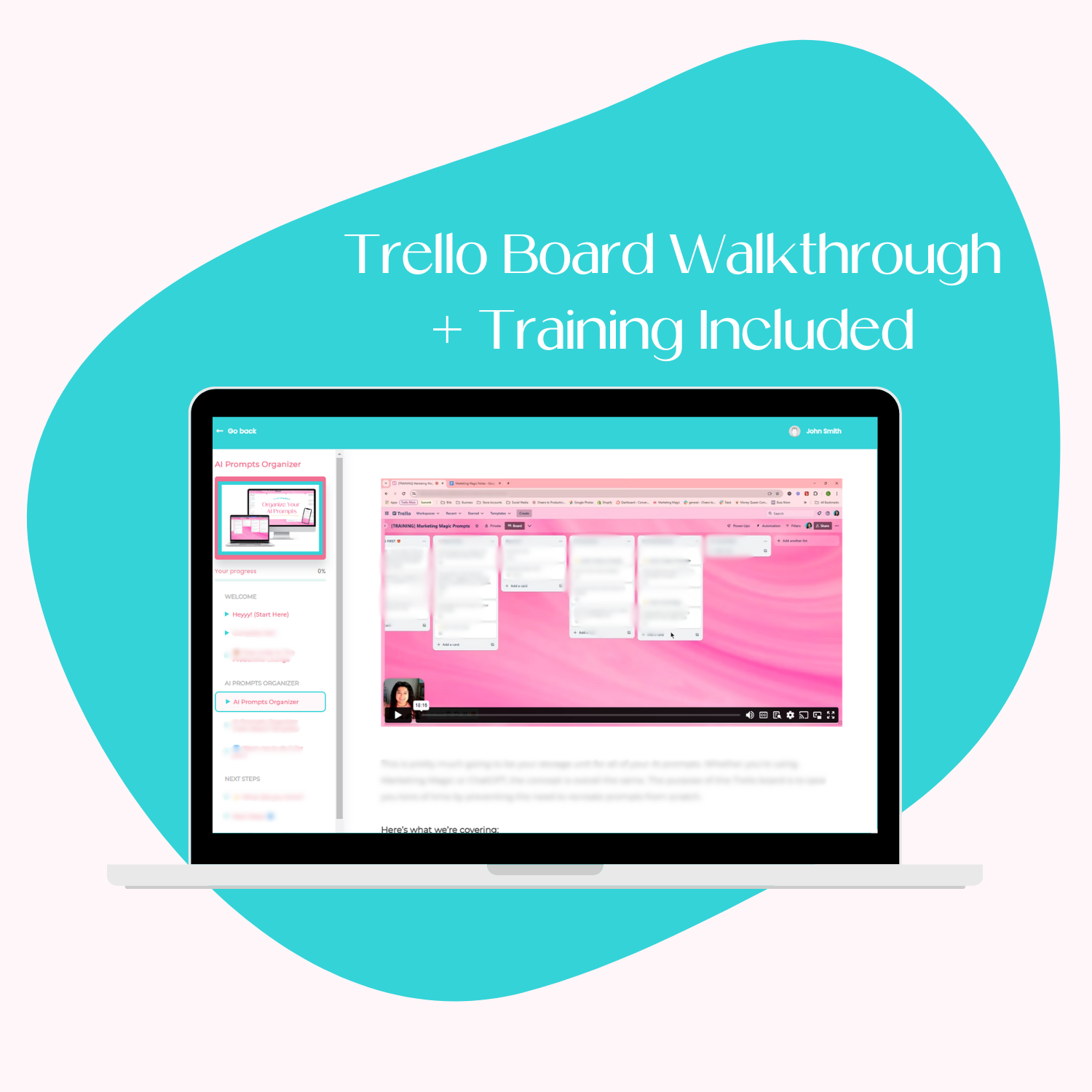
TRELLO TEMPLATE + STEP-BY-STEP STRATEGY TRAINING INCLUDED!
Save your best prompts, find them fast, and reuse them across every tool you love without digging through Google Docs or your Notes app.
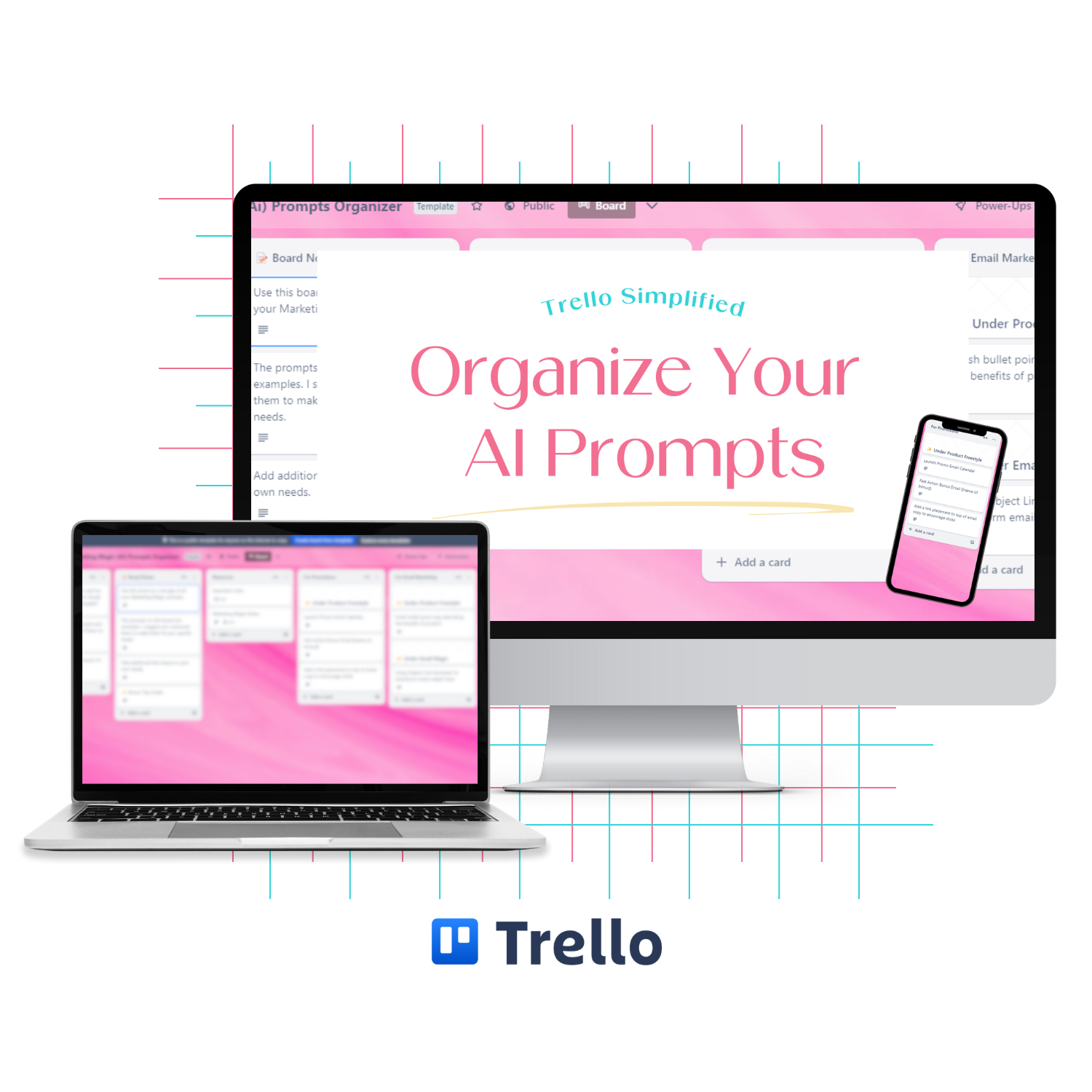
If you’re tired of hunting for “that one perfect prompt” every time you write, this plug-and-play Trello system gives you a clean, searchable home for prompts and AI outputs, so you can rinse, repeat, and ship content faster (even on a busy week).
The Trello board template is completely customizable with a free Trello account and comes with a detailed training to ensure you’re set up in no time.
WHAT YOU'LL LEARN IN THE NO-FLUFF TRAINING:
-
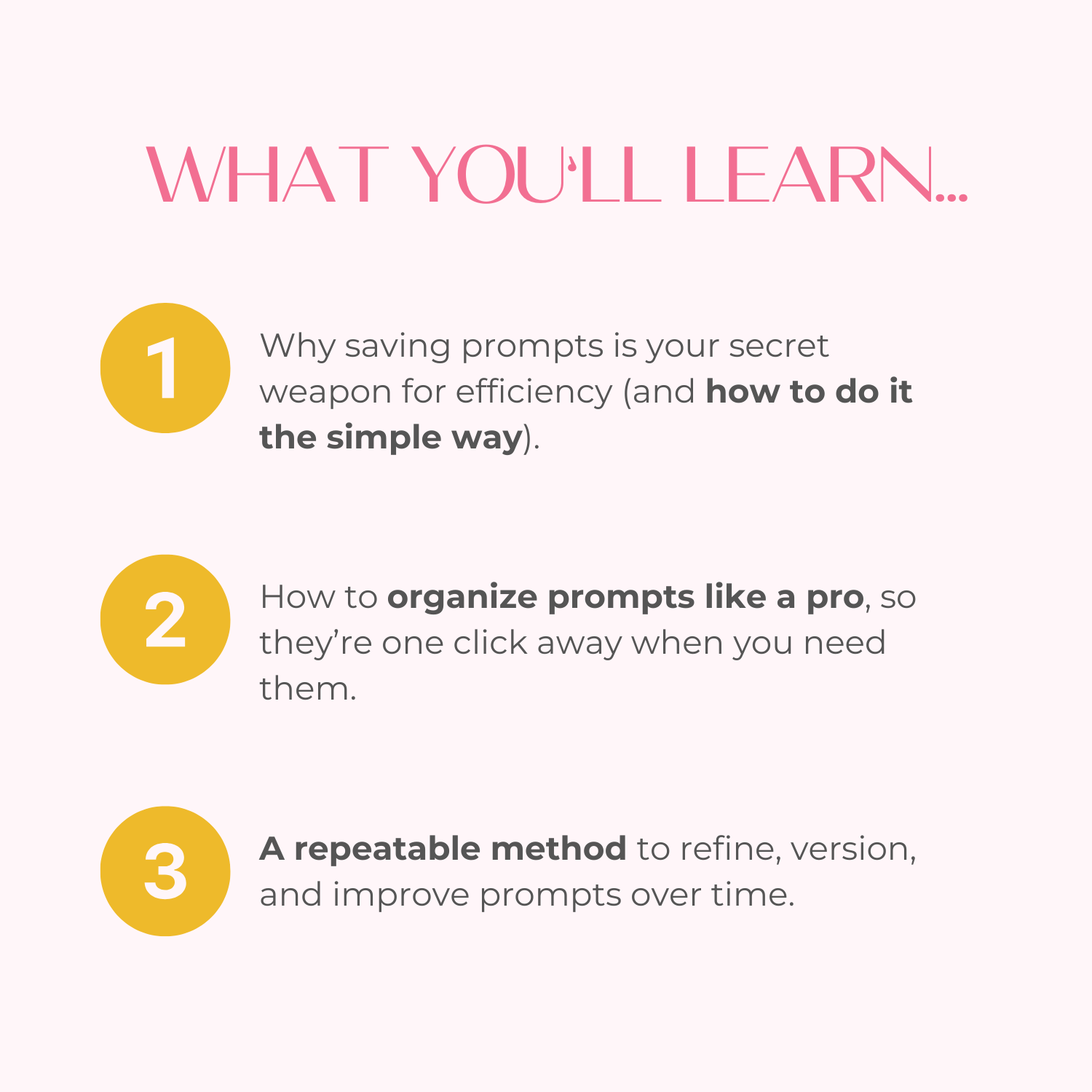
Why saving prompts is your secret weapon for efficiency (and how to do it the simple way).
-
How to organize prompts like a pro, no matter how many you’ve collected.
-
Clever storage tricks for capturing ideas in the moment (before they disappear).
-
A repeatable method to refine, version, and improve prompts over time.
-
How to store AI outputs so they’re one click away when you need them.
Includes a Trello board template that is completely customizable with a free Trello account. And with the detailed strategy training, I’ll even show you how to make it your own!
Please Note: This Trello board template requires a free Trello account. The Trello template and training are for your personal-use only. The template cannot be shared in part or in whole with anyone else or repurposed into a product of your own.
This is a digital product. Nothing physical will ship.
WHAT YOU'LL RECEIVE
FREQUENTLY ASKED QUESTIONS
ACCESS INSTRUCTIONS

What Others Are Saying


Brianna T.“I felt overwhelmed and just found that I wasn't really using it to it's the full extent. [My favorite part about Weekly Planning in Trello was] it was really quick and simple - not too long winded or wordy. Really easy to watch. I love the template, your course made it easy to understand and I can't wait to have my online business become more organized and easier for me to manage.”
Laurie J."I never thought of organizing it this way. I will pay more attention to feedback and questions I hear and be sure to add them to [the Struggle Street Template] board."
Megan E."I just finished the Promo Power-Ups course and I really liked it! So actionable and really helpful examples and swipes. I'm now working on updating my P.S. in my welcome sequence."
Misty L."If you love attending online summits, but get overwhelmed with the plethora of information and new people to follow, then you REALLY need to see this [Prep for Summit Success (as an Attendee)]! You’ll go into your next summit feeling a little more relaxed and ready to learn, just knowing that you’ll be able to find everything all in one place. I feel more prepared now to set up my email organization and to create my own Trello boards for new summits."
Kaycee F."I loved it! I've been trying to organize my CK for awhile but never knew exactly how to do it efficiently. I also learned new ways to categorize my list. So it was cool that I learned and implemented more than just coming up with an organized naming convention for my list!"
Sarah Steckler"I was def overwhelmed and scared to look at all my uploads but this made me do it and it’s not so bad. I’ve already deleted 100s of graphics and am creating naming conventions. [Canva Chaos Controlled] was so helpful!"