


Boundary Boss GPT
- Regular price
-
$15.00 - Regular price
-
- Sale price
-
$15.00
Couldn't load pickup availability
🔥 Finally set one clear boundary without overthinking, journaling for hours, or spiraling into “what ifs.”
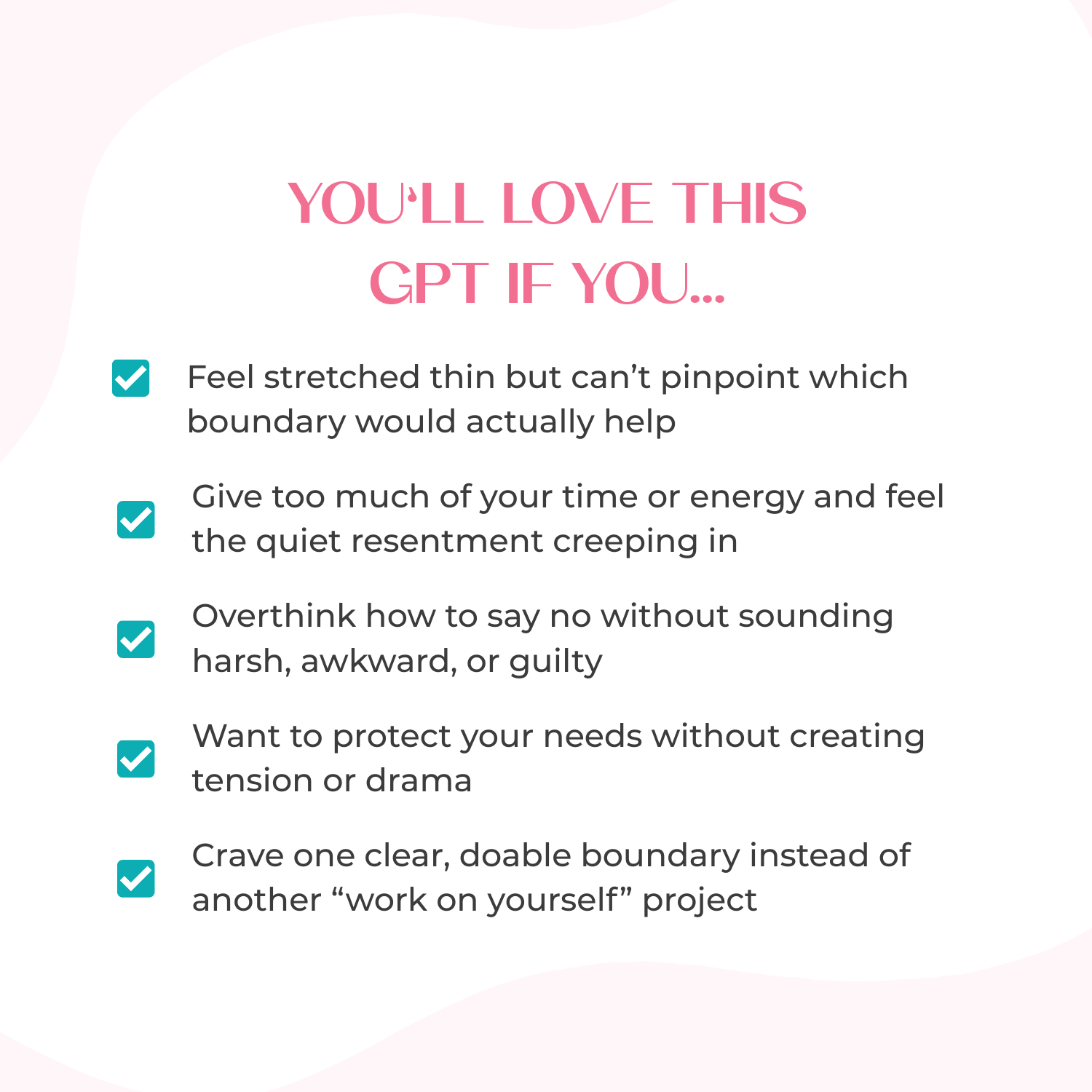
If you’ve been feeling stretched thin, overloaded by interruptions, or constantly pulled into things you didn’t plan for… this is your moment.
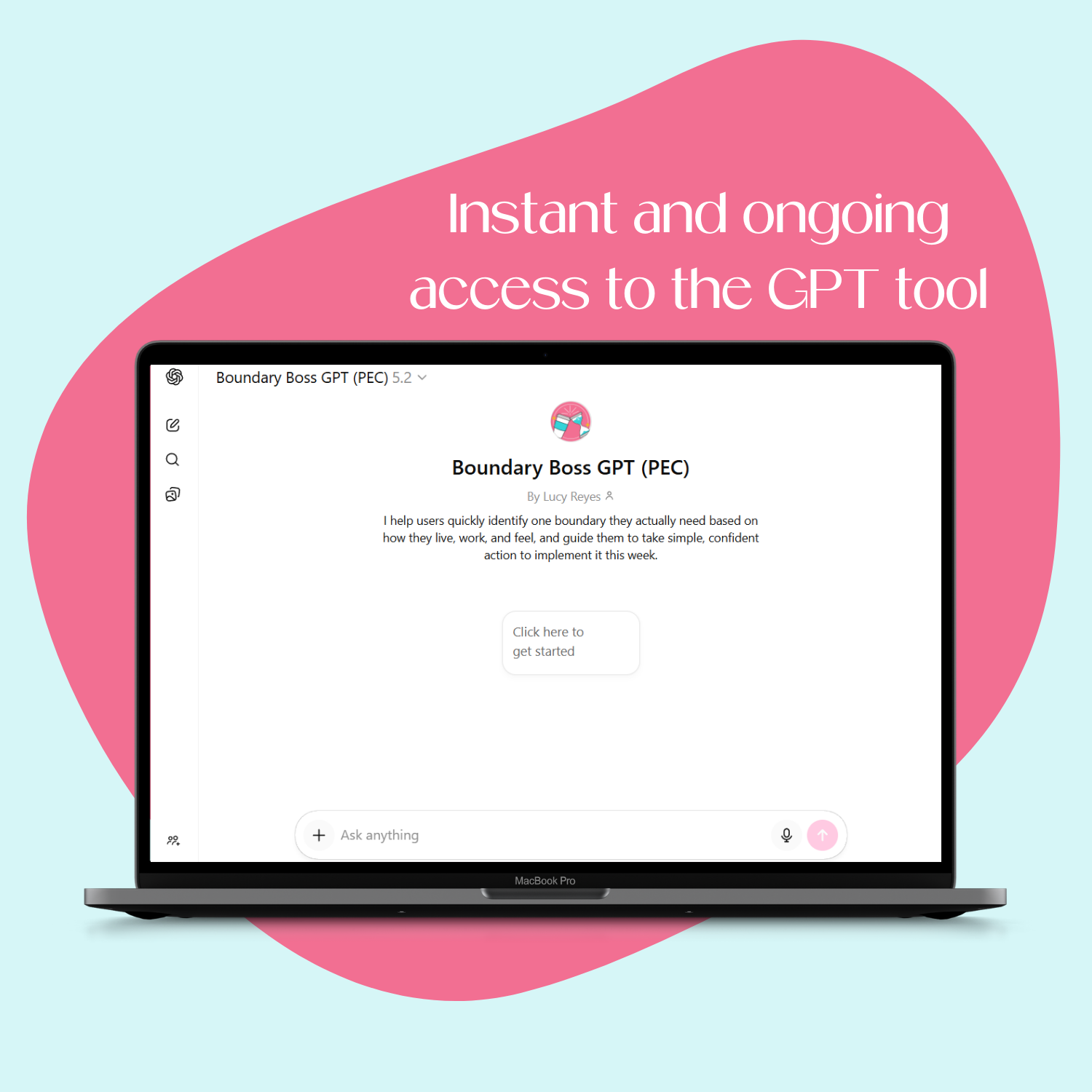
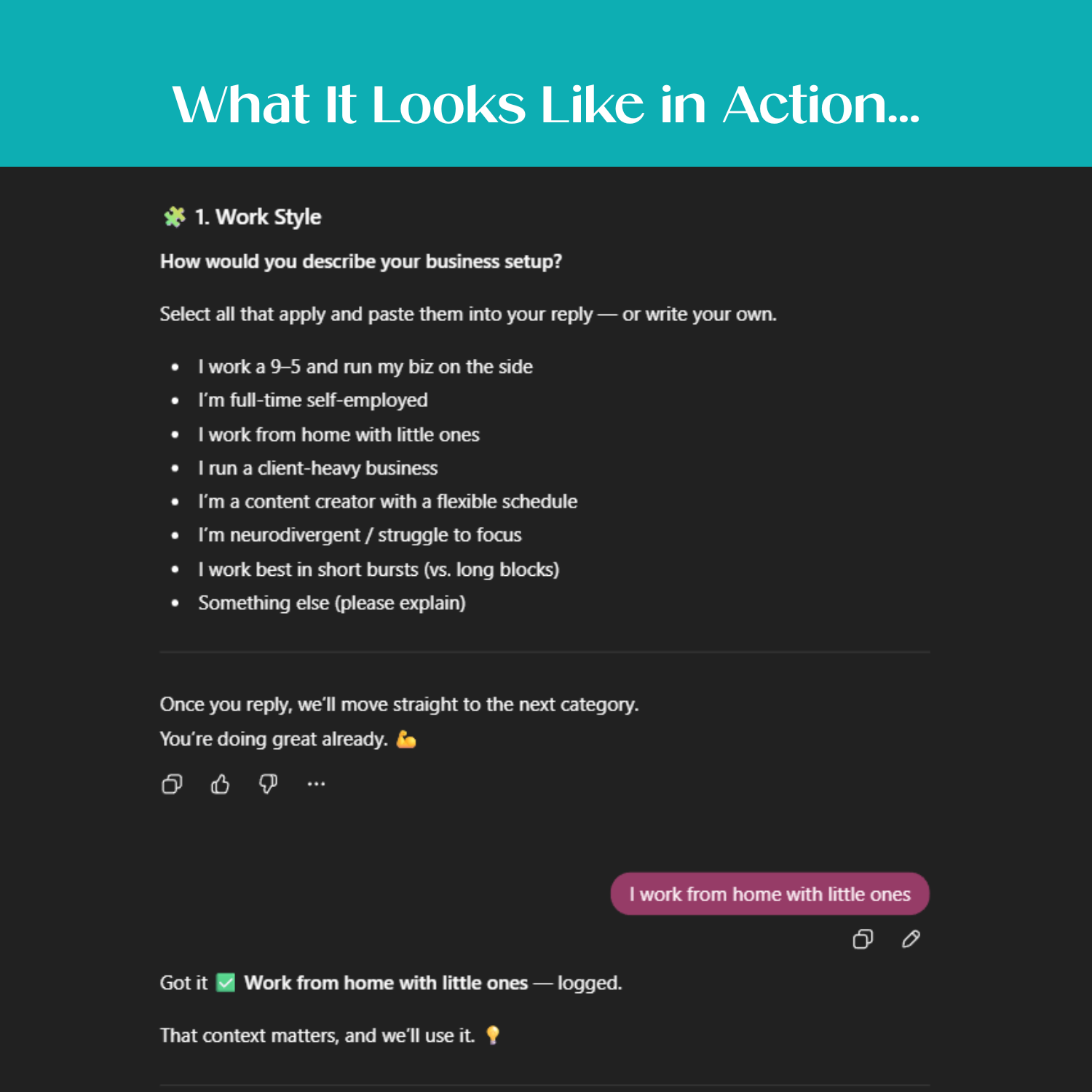
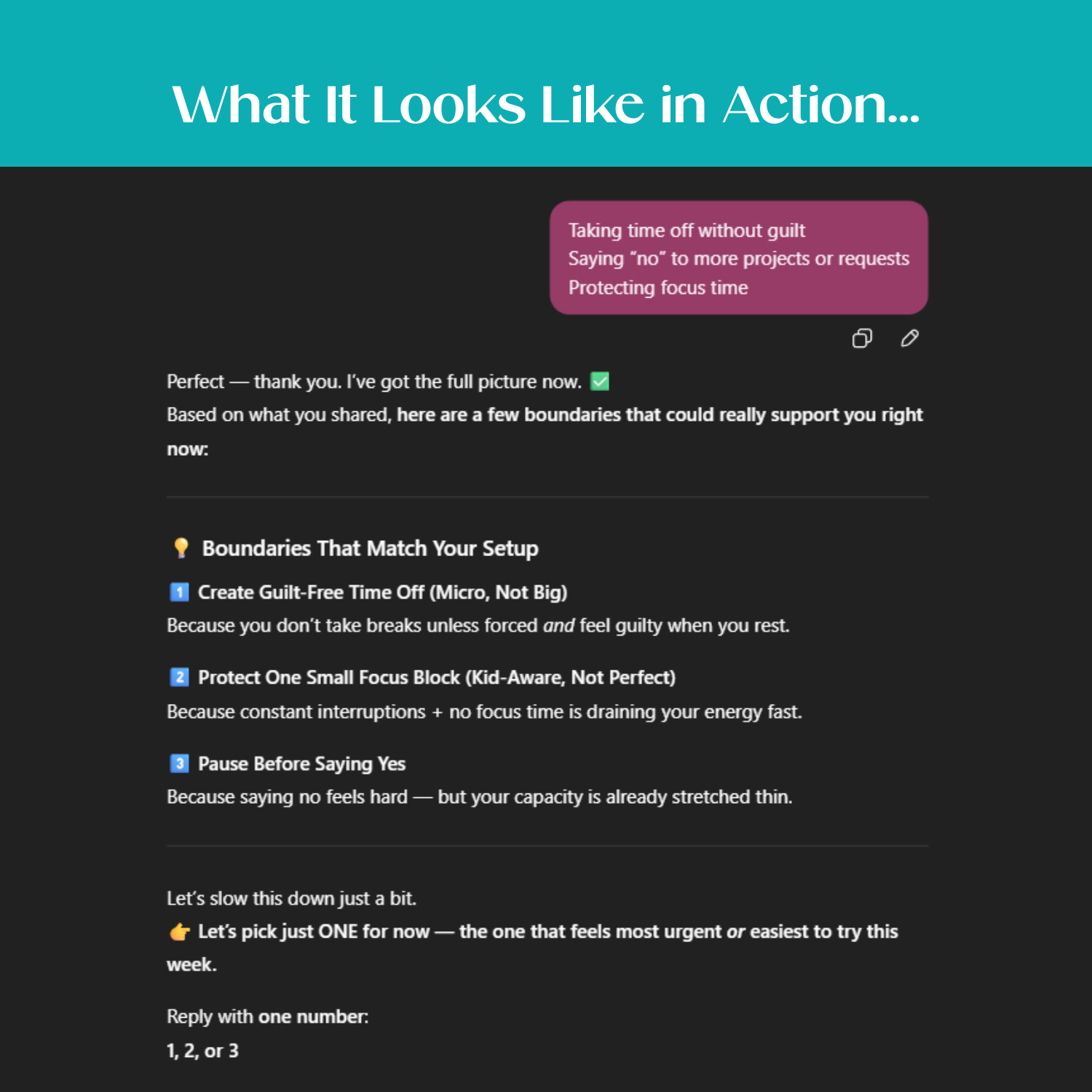
Boundary Boss GPT is your personal boundary-matching coach, a smart AI tool that guides you through a quick multiple-choice flow to help you:
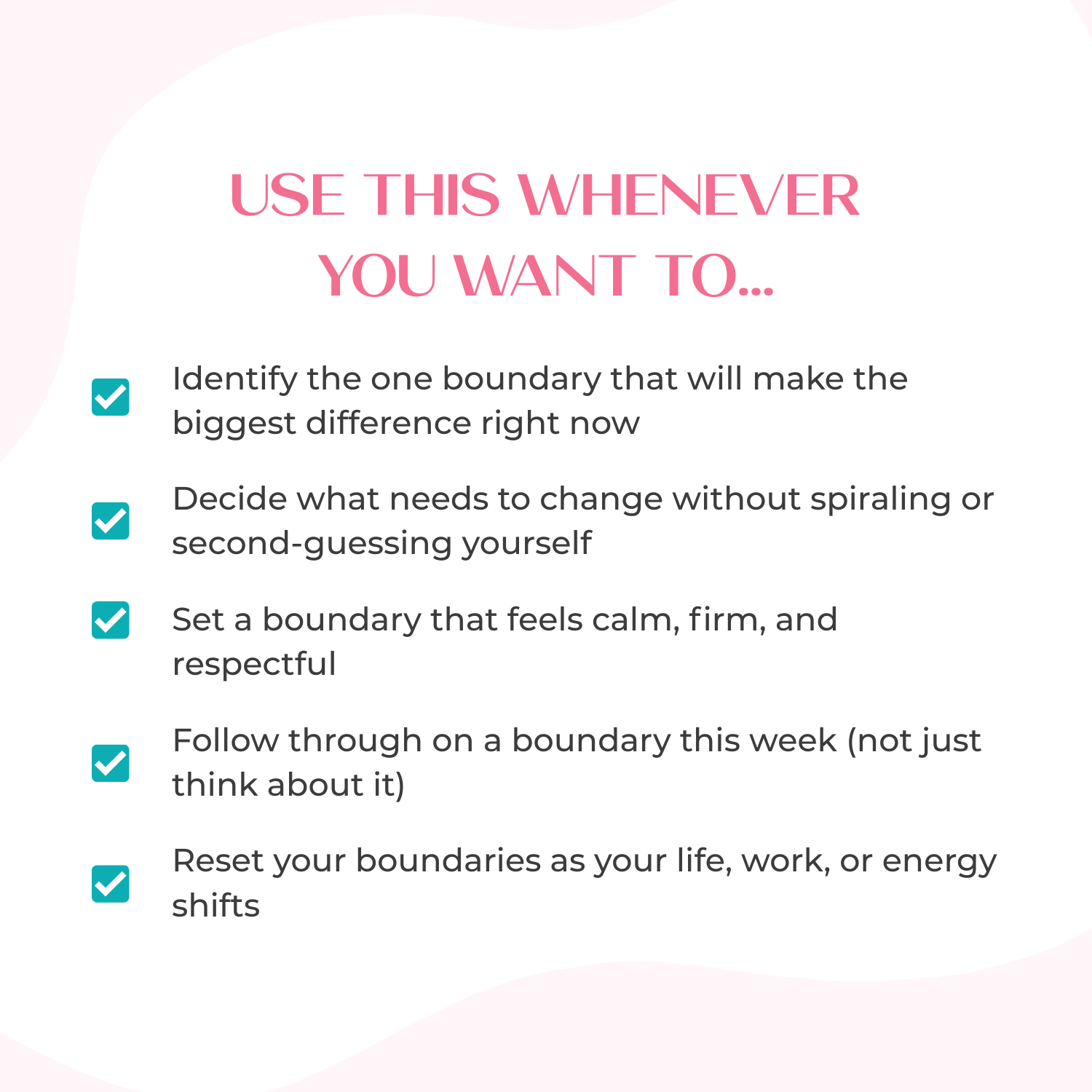
✨ Identify exactly where you need a boundary
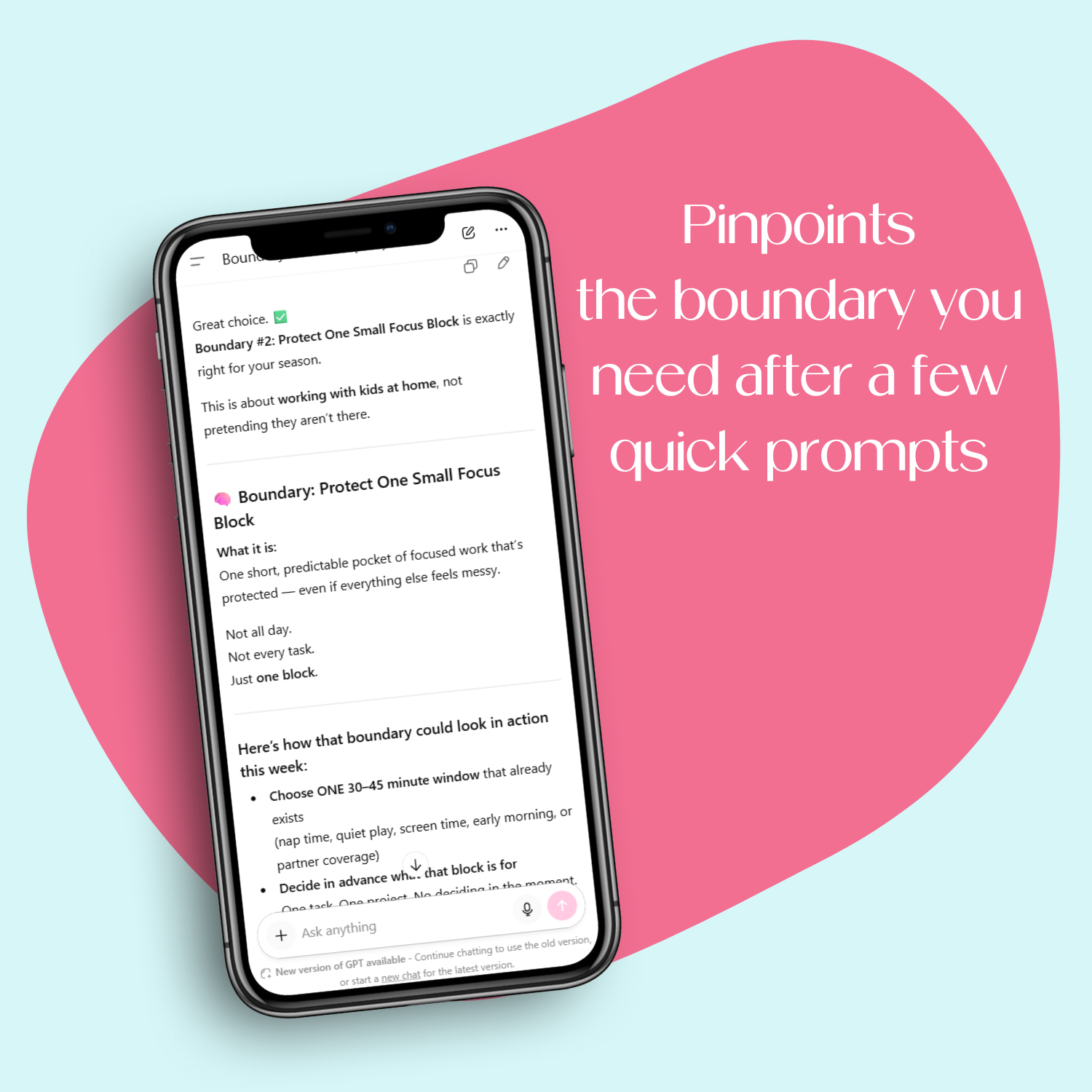
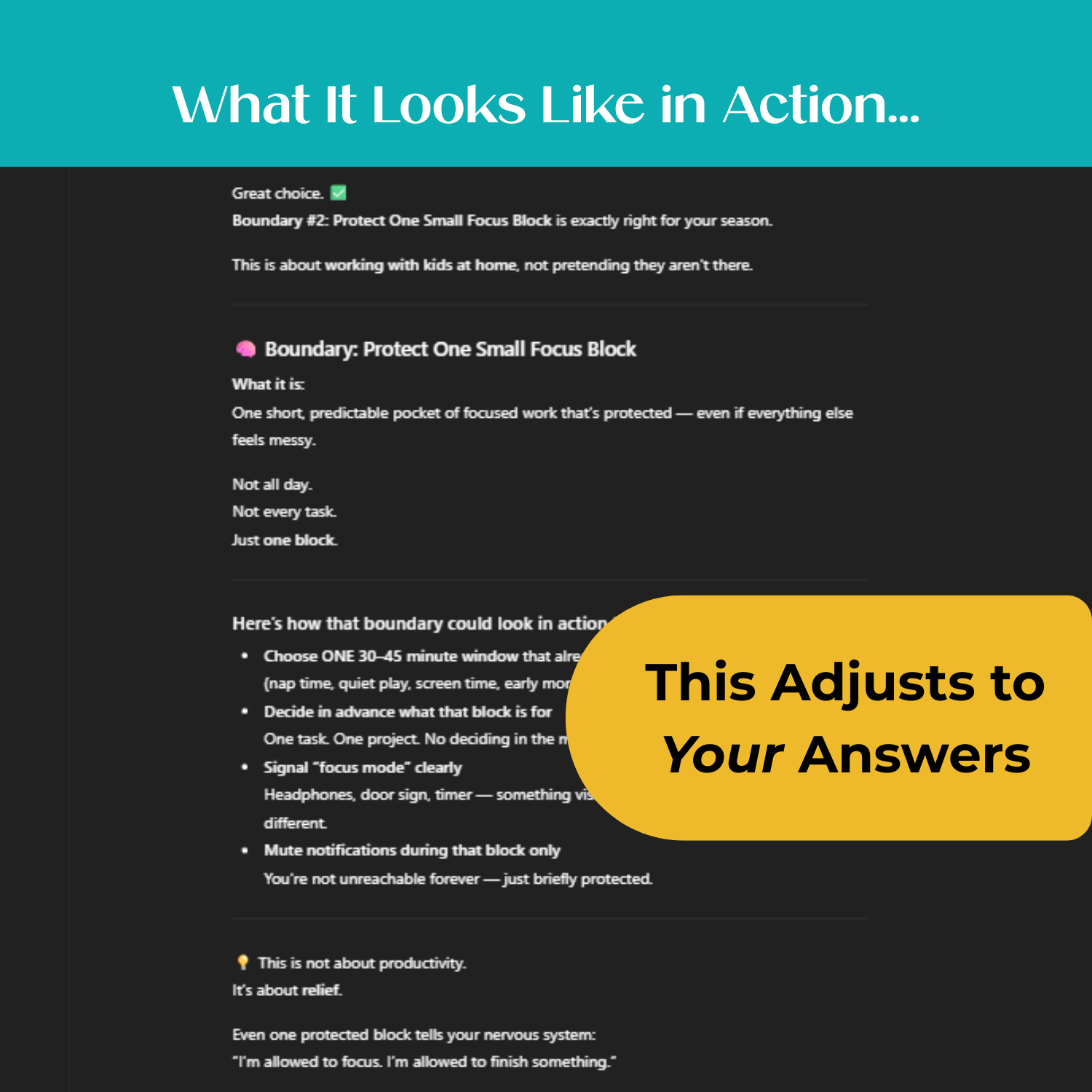
✨ Get simple, doable strategies to implement it this week
✨ Access confident, ready-to-use scripts you can personalize in seconds
Just answer a few quick prompts, and the GPT does the hard thinking for you.
What This Tool Helps You Do:
-
Pinpoint the one boundary that will create the biggest shift in your wellbeing, workflow, or relationships
-
Recognize the signs that a boundary is needed, and choose the one that supports you most right now
-
Communicate your boundary in a way that helps you feel understood and supported
-
Follow through on your boundary in a calm, grounded way without guilt or over-explaining
- Take the exact steps to implement your boundary this week so you can start feeling relief immediately
This is a digital product. Nothing physical will ship.
WHAT YOU'LL RECEIVE
FREQUENTLY ASKED QUESTIONS
ACCESS INSTRUCTIONS


What Others Are Saying


Brianna T.“I felt overwhelmed and just found that I wasn't really using it to it's the full extent. [My favorite part about Weekly Planning in Trello was] it was really quick and simple - not too long winded or wordy. Really easy to watch. I love the template, your course made it easy to understand and I can't wait to have my online business become more organized and easier for me to manage.”
Laurie J."I never thought of organizing it this way. I will pay more attention to feedback and questions I hear and be sure to add them to [the Struggle Street Template] board."
Megan E."I just finished the Promo Power-Ups course and I really liked it! So actionable and really helpful examples and swipes. I'm now working on updating my P.S. in my welcome sequence."
Misty L."If you love attending online summits, but get overwhelmed with the plethora of information and new people to follow, then you REALLY need to see this [Prep for Summit Success (as an Attendee)]! You’ll go into your next summit feeling a little more relaxed and ready to learn, just knowing that you’ll be able to find everything all in one place. I feel more prepared now to set up my email organization and to create my own Trello boards for new summits."
Kaycee F."I loved it! I've been trying to organize my CK for awhile but never knew exactly how to do it efficiently. I also learned new ways to categorize my list. So it was cool that I learned and implemented more than just coming up with an organized naming convention for my list!"
Sarah Steckler"I was def overwhelmed and scared to look at all my uploads but this made me do it and it’s not so bad. I’ve already deleted 100s of graphics and am creating naming conventions. [Canva Chaos Controlled] was so helpful!"