


Summit Attendee Organizer | Trello Board Template
- Regular price
-
$17.00 - Regular price
-
- Sale price
-
$17.00
Couldn't load pickup availability
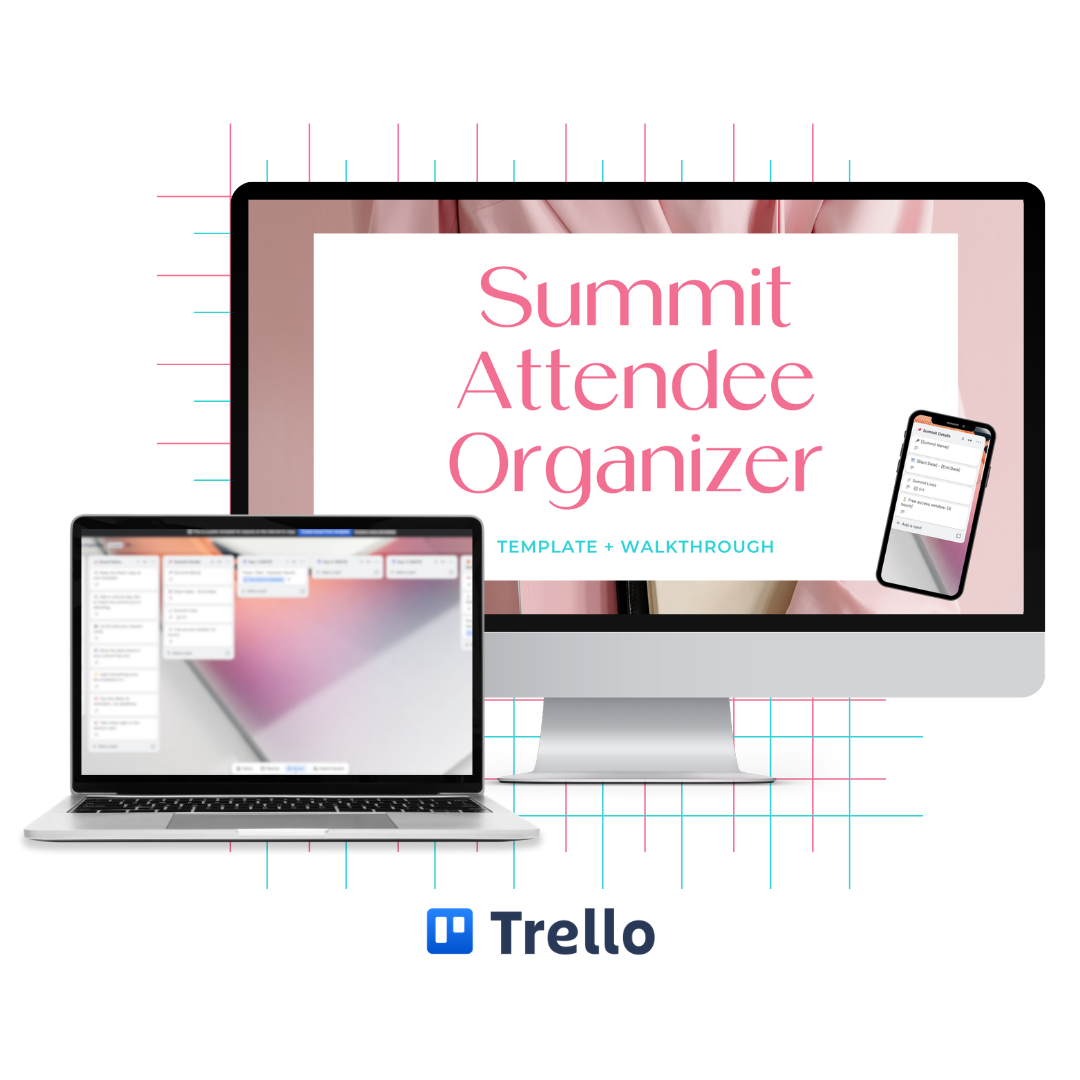
Keep Every Session, Freebie, and Deadline From Your Next Summit in One Place
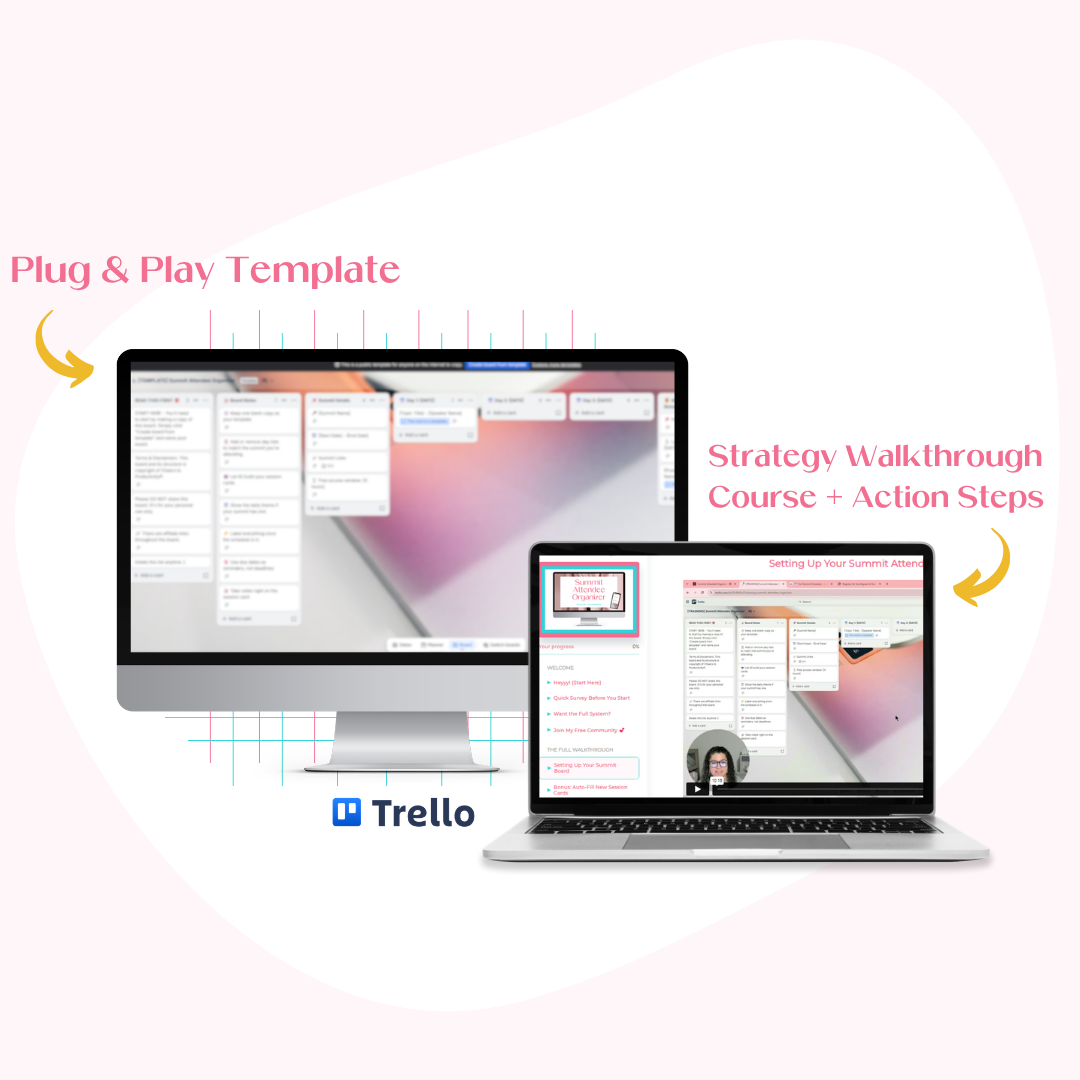
TRELLO TEMPLATE + STRATEGIC WALKTHROUGH INCLUDED!
You signed up for the summit because the lineup looked incredible. Then it started. 🤦🏻♀️
Then the confirmation emails piled up, the schedule lived in six browser tabs, and by day three you were digging through your inbox trying to remember what you actually wanted to watch.
The Summit Attendee Organizer is a Trello board that holds all of it: your schedule, your links, your notes, your All-Access bonuses, and every deadline attached to them.
Whether you're on a free pass or the full All-Access Pass, you get to decide what's worth your time instead of feeling behind on everything you didn't watch. ✨
WITH YOUR NEW SYSTEM YOU'LL…
-
Show up prepared for any summit, virtual or in person, without the packed-lineup overwhelm
-
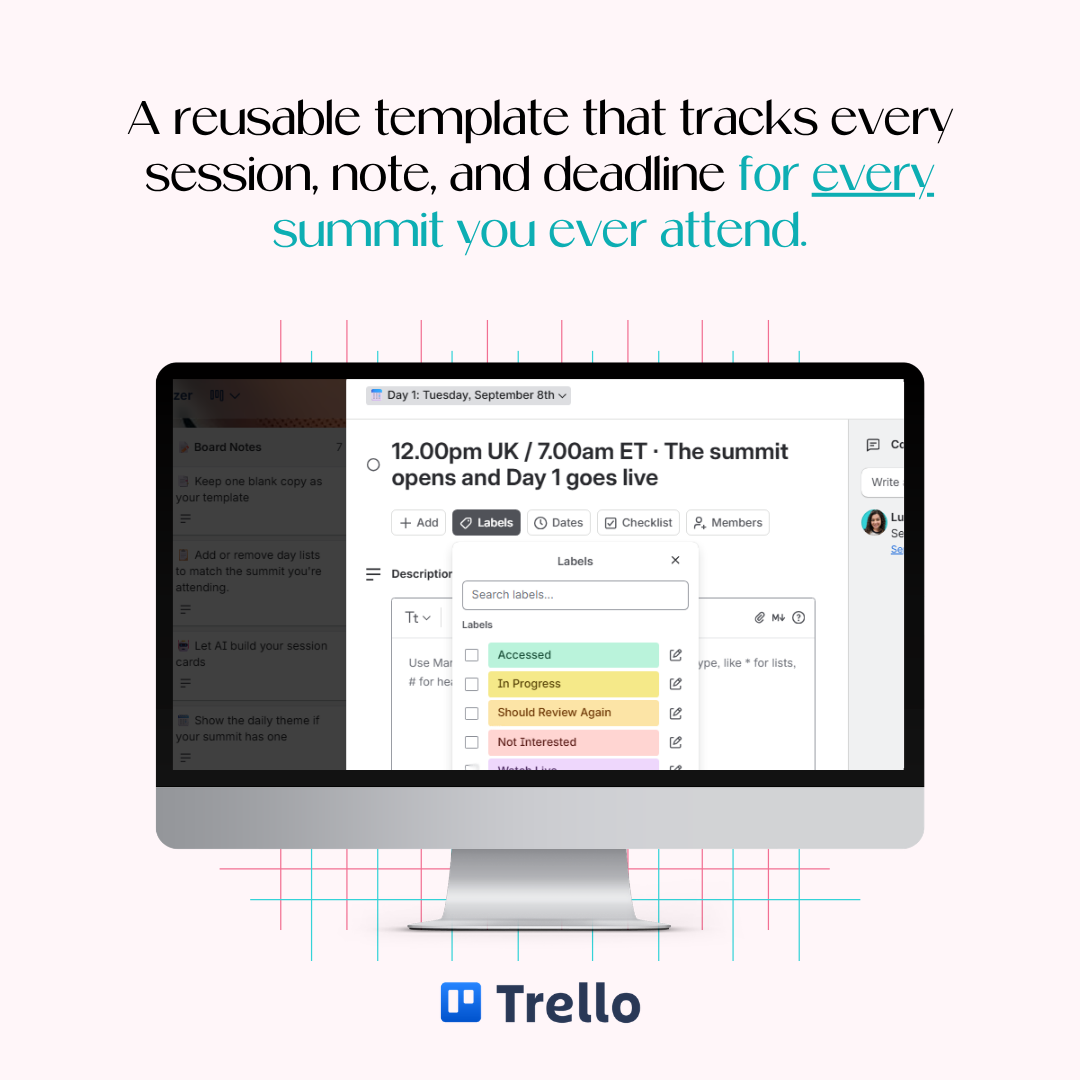
Keep every session, link, note, and deadline in one place instead of scattered across your inbox
-
Implement what you learn, with notes and action items attached to every session
-
Claim every All-Access Pass bonus and freebie before the deadline quietly passes
-
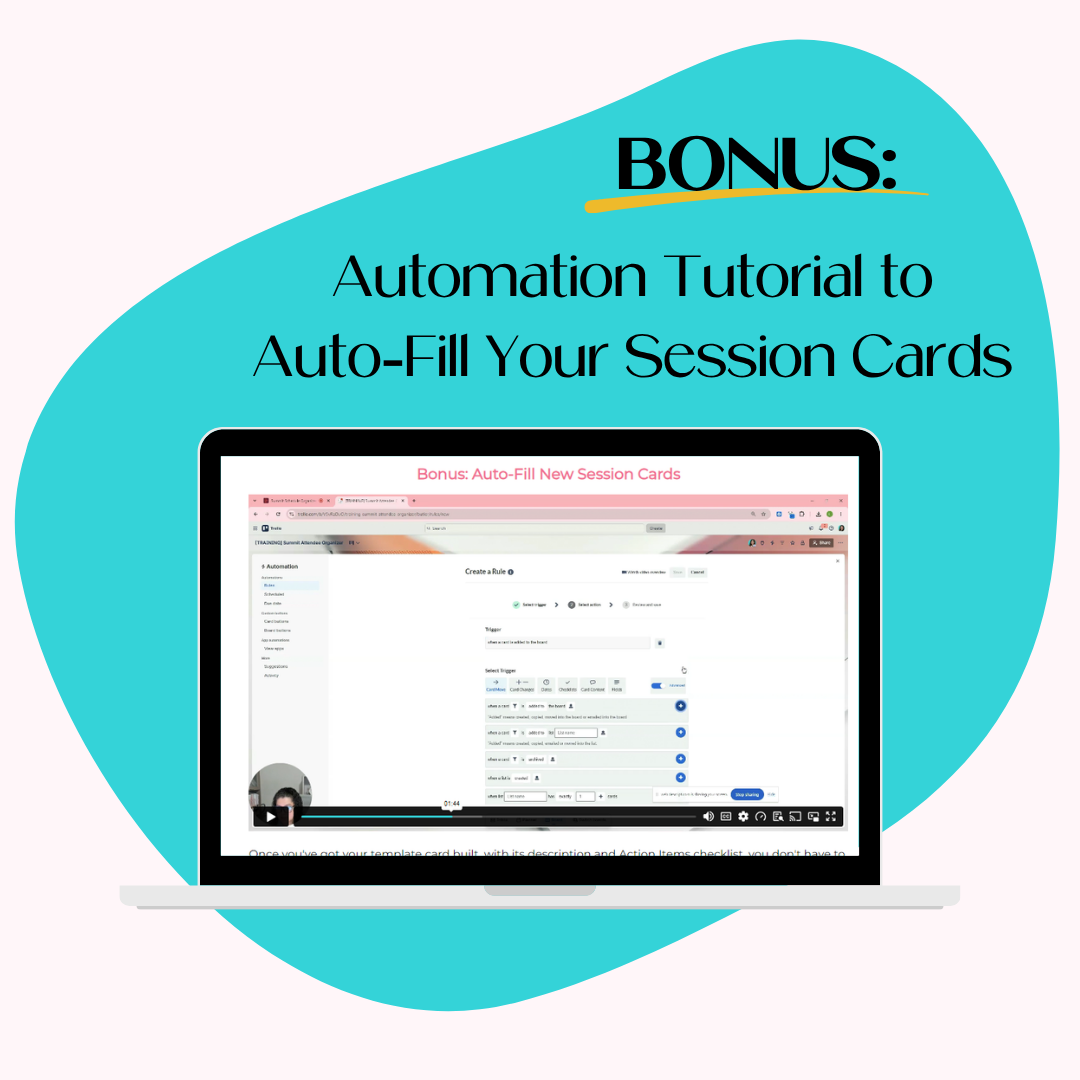
Fill your schedule in minutes with the AI prompt included, no retyping required
The Trello board template is completely customizable with a free Trello account and comes with a detailed training to ensure you're set up in no time.
Please note: This template and training are for personal use only and cannot be shared or resold.
This is a digital product. Nothing physical will ship.
WHAT YOU'LL RECEIVE
FREQUENTLY ASKED QUESTIONS
ACCESS INSTRUCTIONS

What Others Are Saying


Brianna T.“I felt overwhelmed and just found that I wasn't really using it to it's the full extent. [My favorite part about Weekly Planning in Trello was] it was really quick and simple - not too long winded or wordy. Really easy to watch. I love the template, your course made it easy to understand and I can't wait to have my online business become more organized and easier for me to manage.”
Laurie J."I never thought of organizing it this way. I will pay more attention to feedback and questions I hear and be sure to add them to [the Struggle Street Template] board."
Megan E."I just finished the Promo Power-Ups course and I really liked it! So actionable and really helpful examples and swipes. I'm now working on updating my P.S. in my welcome sequence."
Misty L."If you love attending online summits, but get overwhelmed with the plethora of information and new people to follow, then you REALLY need to see this [Prep for Summit Success (as an Attendee)]! You’ll go into your next summit feeling a little more relaxed and ready to learn, just knowing that you’ll be able to find everything all in one place. I feel more prepared now to set up my email organization and to create my own Trello boards for new summits."
Kaycee F."I loved it! I've been trying to organize my CK for awhile but never knew exactly how to do it efficiently. I also learned new ways to categorize my list. So it was cool that I learned and implemented more than just coming up with an organized naming convention for my list!"
Sarah Steckler"I was def overwhelmed and scared to look at all my uploads but this made me do it and it’s not so bad. I’ve already deleted 100s of graphics and am creating naming conventions. [Canva Chaos Controlled] was so helpful!"